[Industry]
Telecom / e-SIM Services
[My Role]
UX/UI Designer
[Platforms]
Desktop, Tablet, Mobile
[Timeline]
Aug 2021 – Aug 2022
[Persian B2B dashboard · Data-heavy admin system · Responsive UI design.]
[Project Overview]
What is Mob ID?
Mob ID is a B2B platform connected to e-SIM based services and SIM-card identity management.
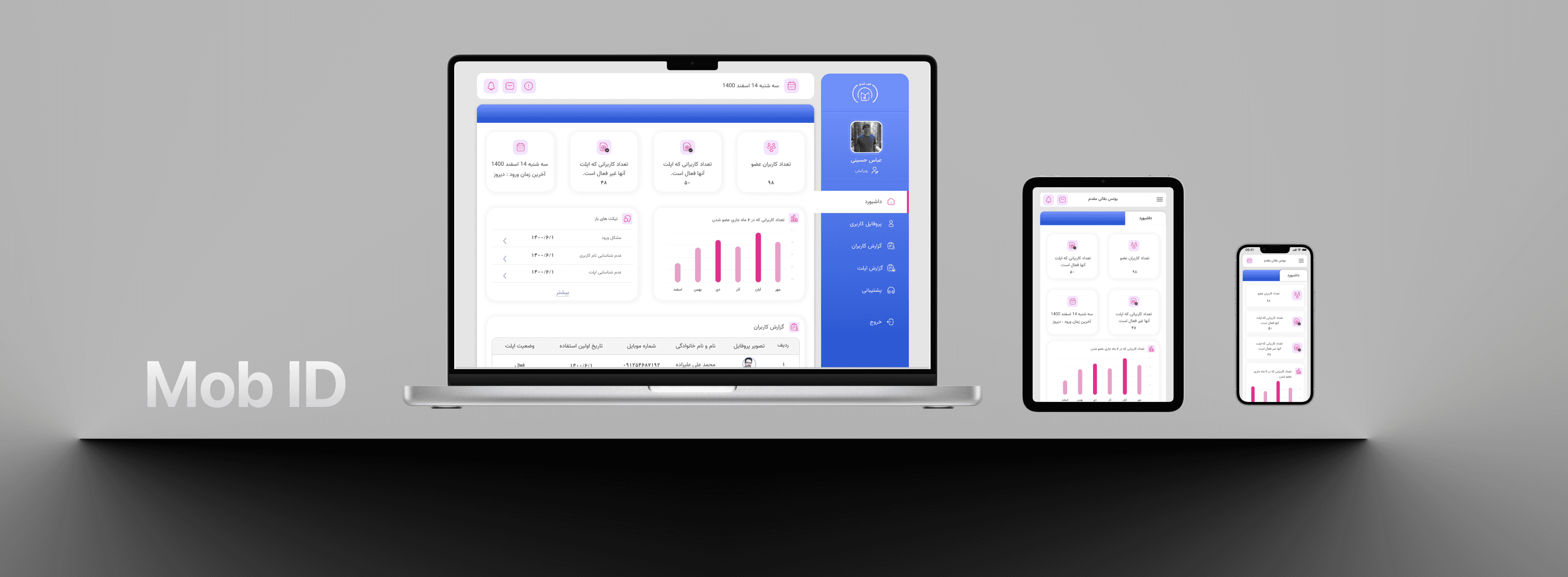
My work focused on designing the admin dashboard, where admins could monitor users, SIM-related data, applet status, and service activity.
[Project Context]
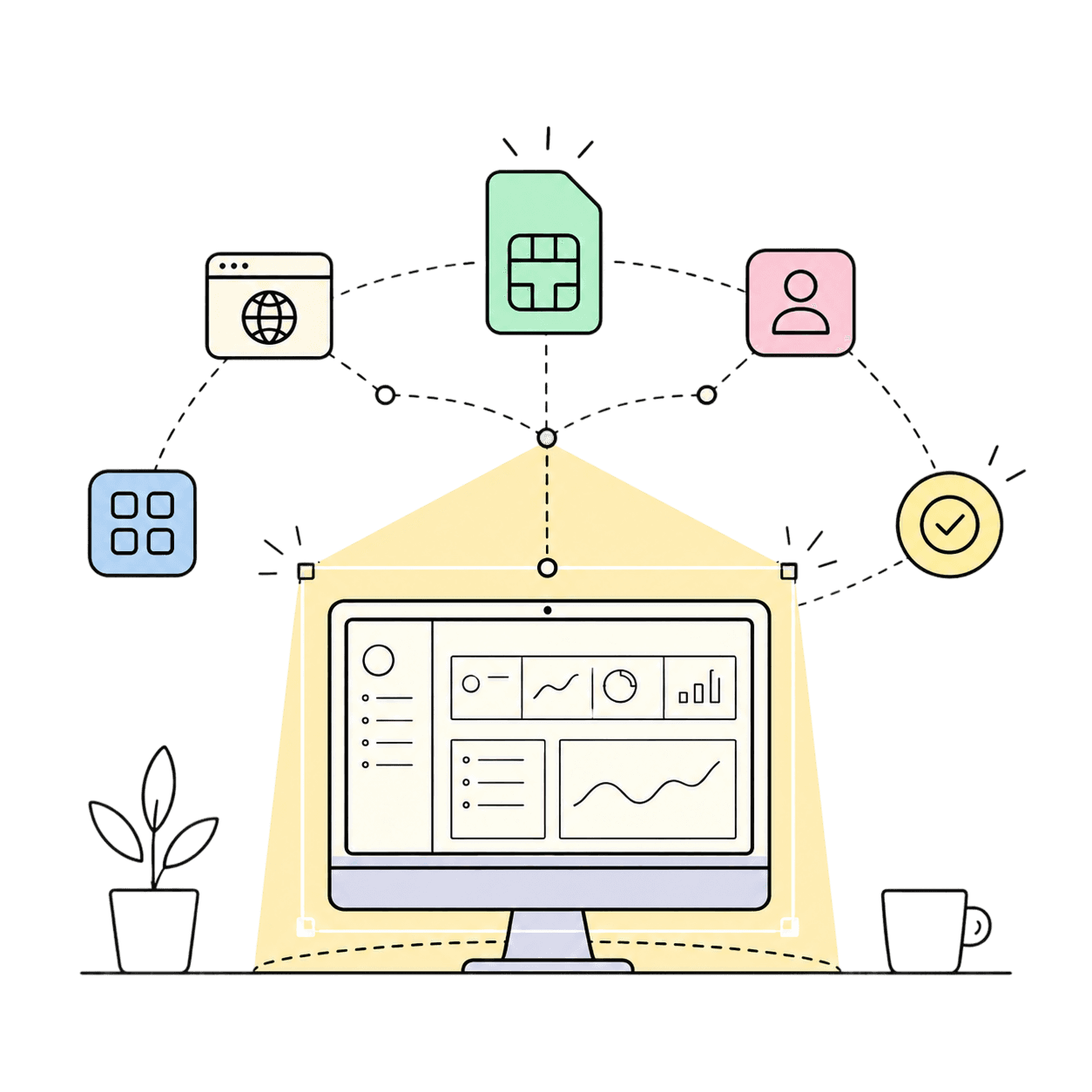
Mob ID was built around e-SIM based services, but my role was not focused on the core e-SIM technology itself.
I was responsible for designing the admin dashboard interface — a data-heavy system used to monitor users, SIM activity, applet installation status, and service-related information.
[Problem Statement]
[Design Goal]
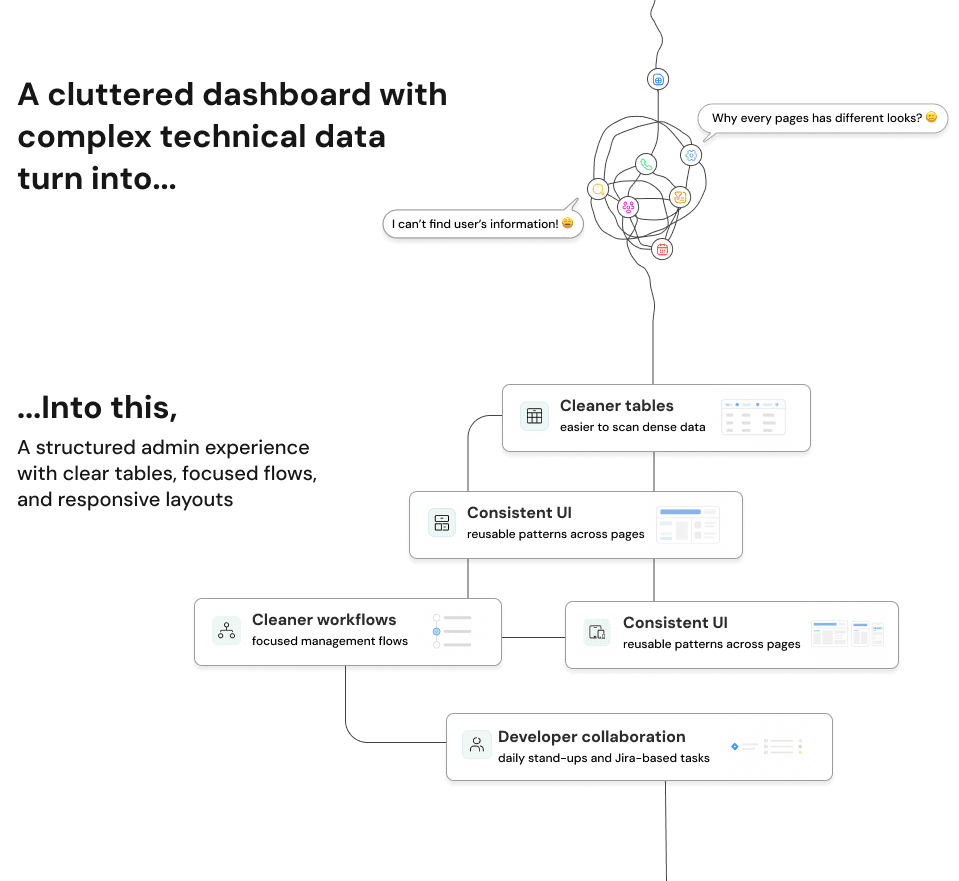
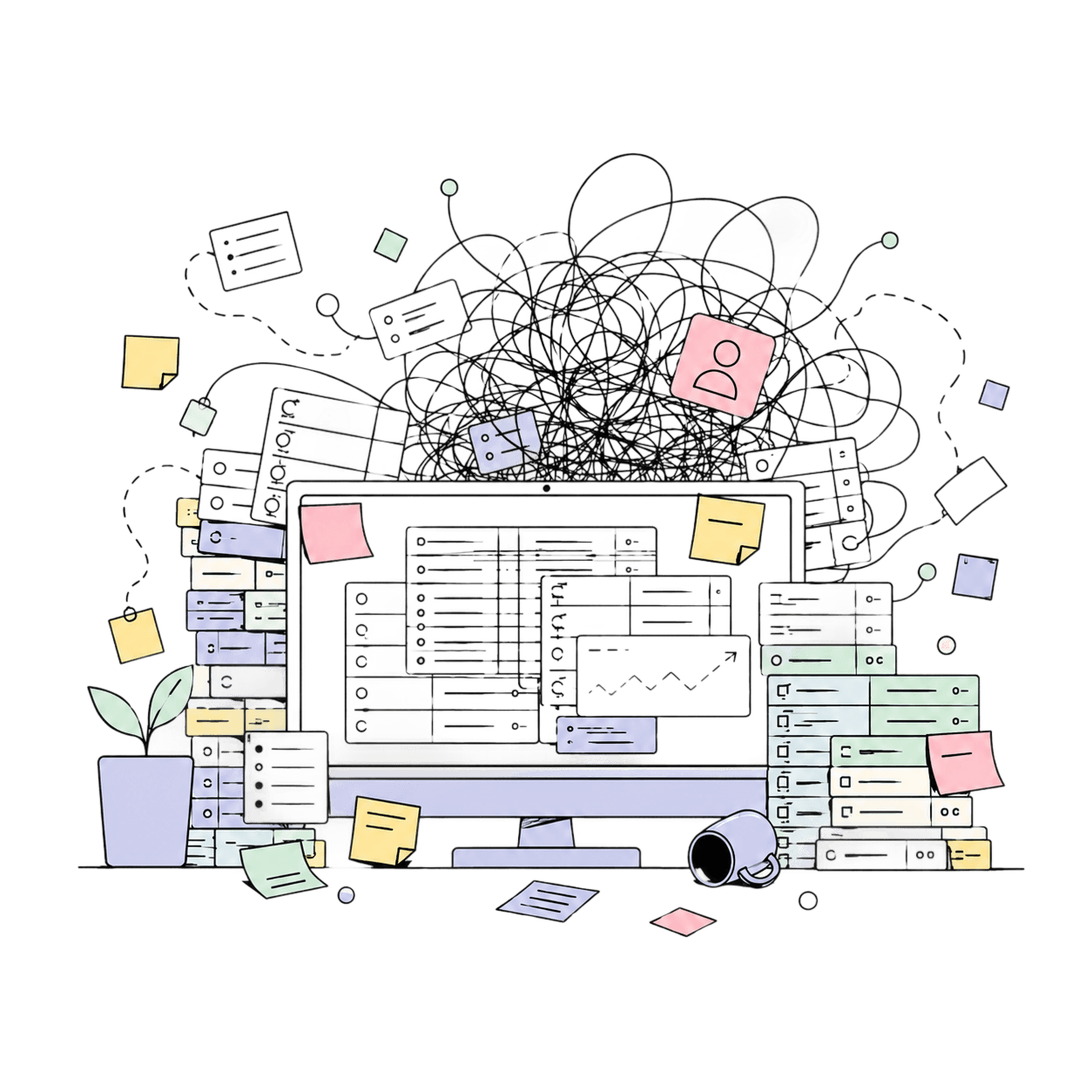
My goal was to create a clearer and more structured dashboard experience for managing complex technical data.
I focused on improving table readability, information hierarchy, layout consistency, responsive behavior, and developer-ready design details.
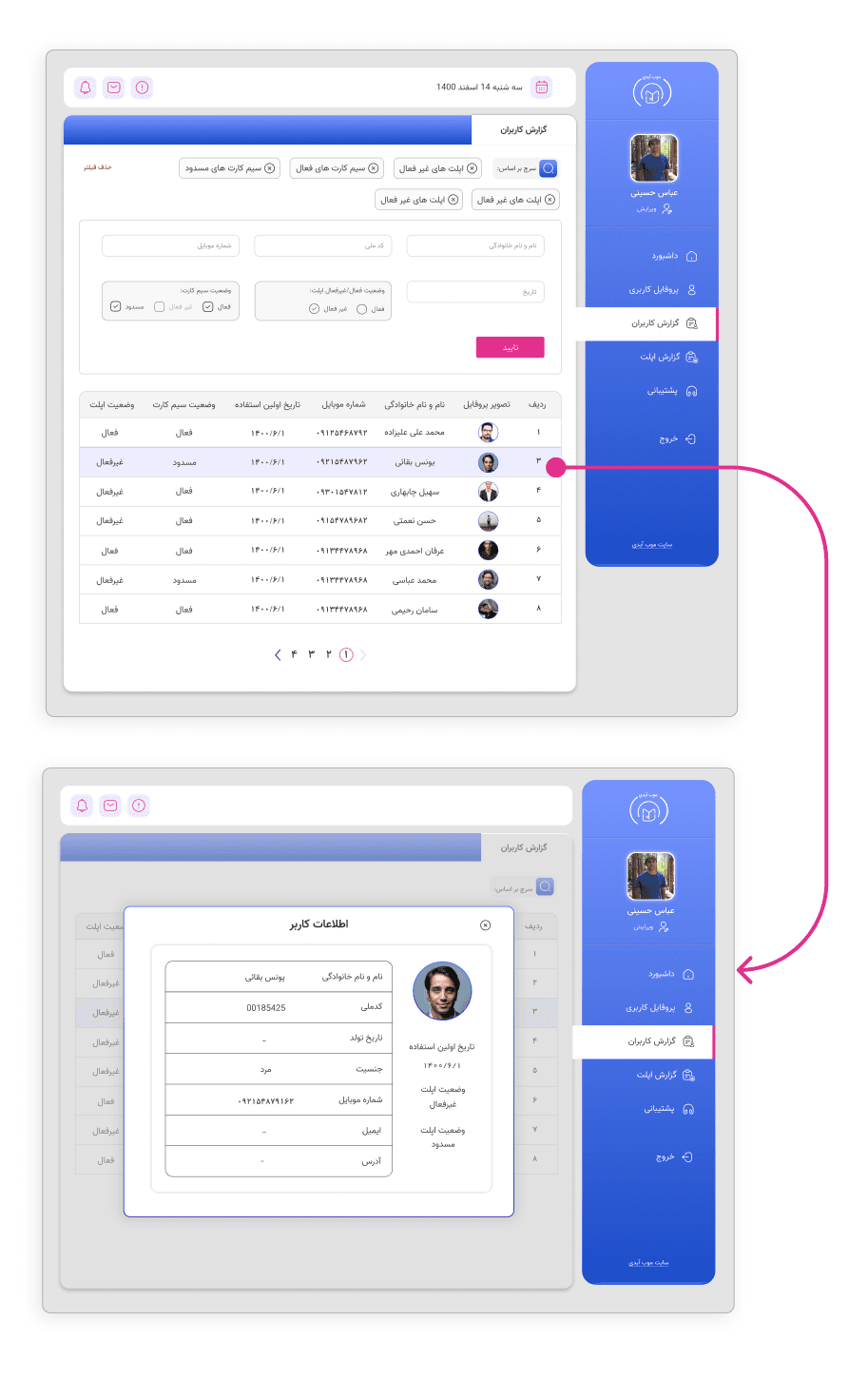
[User Report / User Detailsl]
This dashboard was designed in Persian, so the interface follows a right-to-left layout. I adapted navigation, tables, filters, and detail views to support RTL reading patterns.
Purpose:
This section helped admins review user records, filter user data, and access detailed profile information.
My Design Focus:
I improved the data table structure, added filtering options, and separated detailed user information into a modal to keep the main dashboard clean and easy to scan.
Caption:
User report screen with filters, structured table data, and a detail modal for deeper user information.
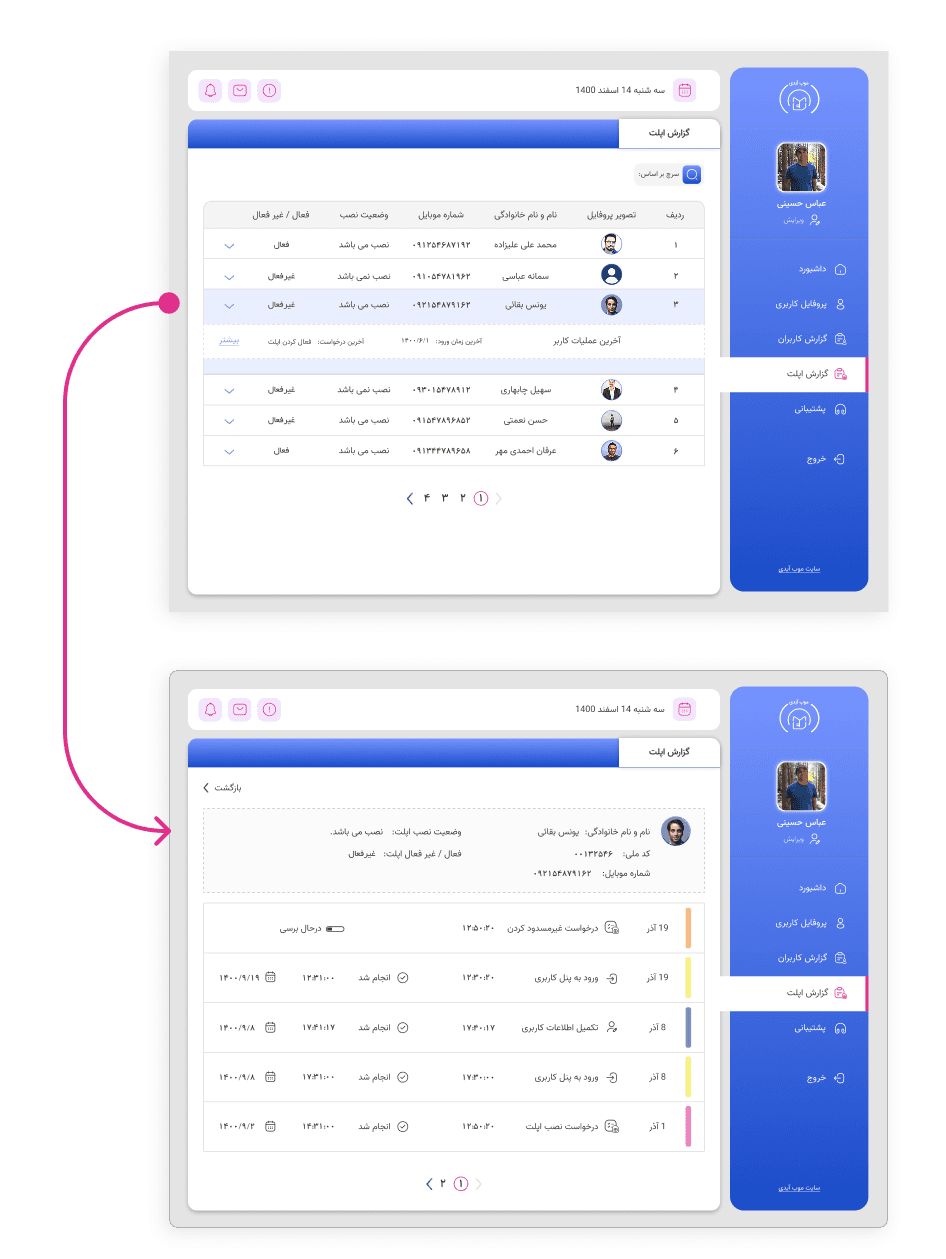
[Applet Report / Applet Management]
Purpose:
This section helped admins monitor applet installation status, active/inactive states, and related user activity.
My Design Focus:
I designed a table-based layout with expandable rows and detail views, so admins could review applet status and user-related actions without overwhelming the main page.
Caption:
Applet report flow showing how admins can move from a summary table to detailed applet activity records.
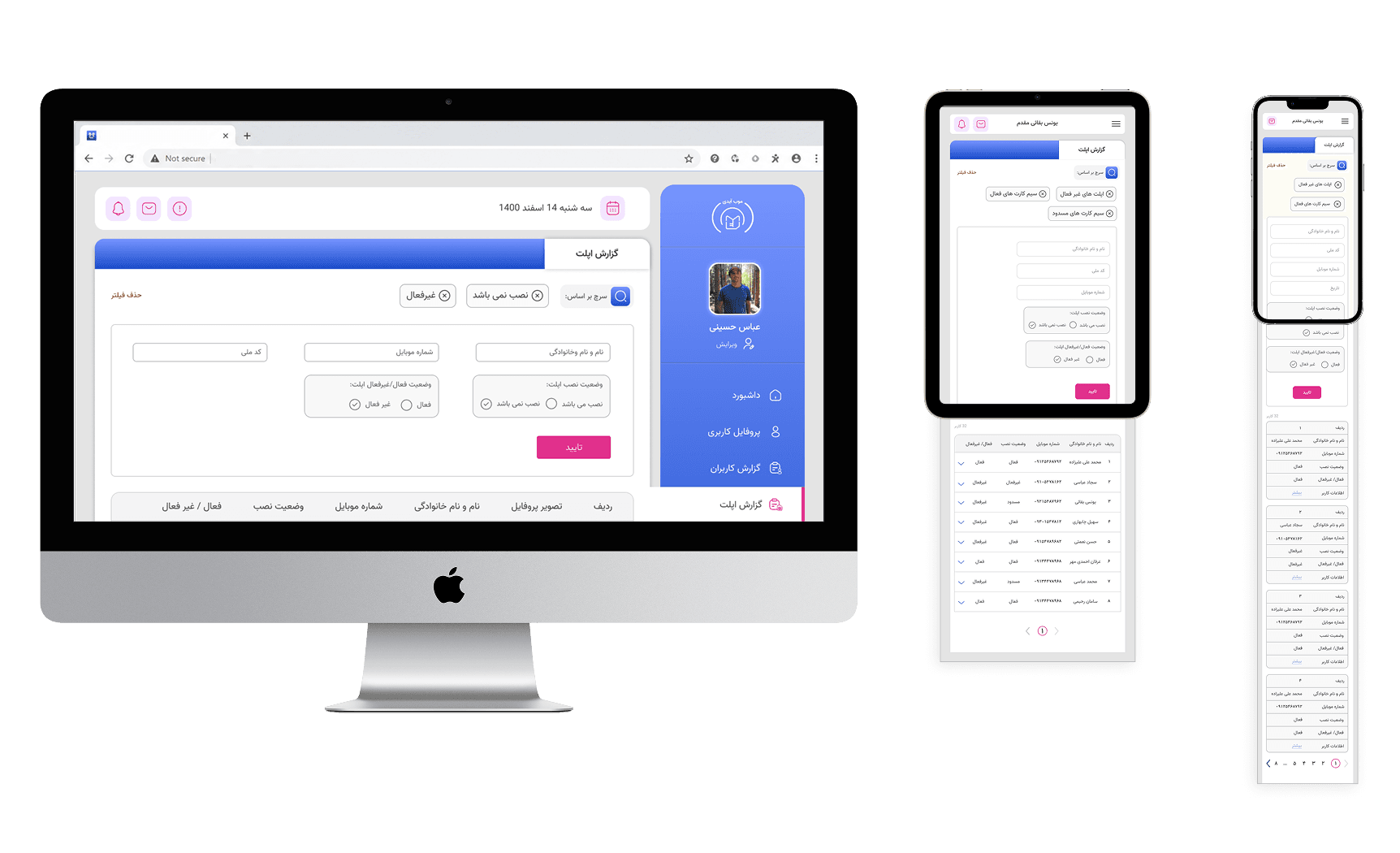
[Responsive Dashboard Layouts]
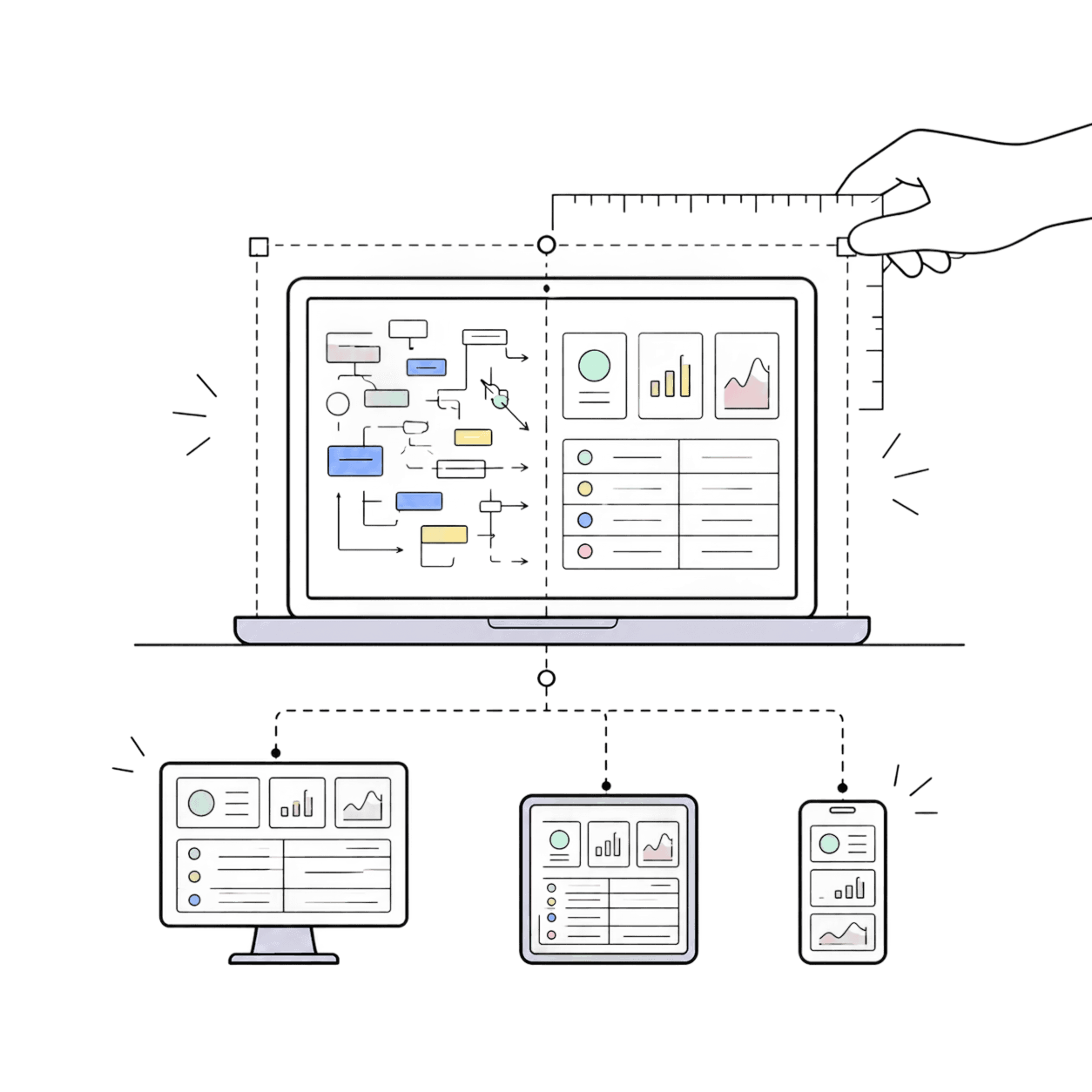
The dashboard was designed across desktop, tablet, and mobile to keep key information accessible across different screen sizes.
Because the product included dense tables and admin flows, I focused on preserving readability, spacing, and clear hierarchy in each layout.
[Collaboration & Workflow]
I worked closely with developers throughout the project. We had daily morning standups with the whole team, and design-related tasks were assigned and tracked through Jira.
This helped me clarify technical constraints, adjust UI details when needed, and prepare screens that were easier to implement.
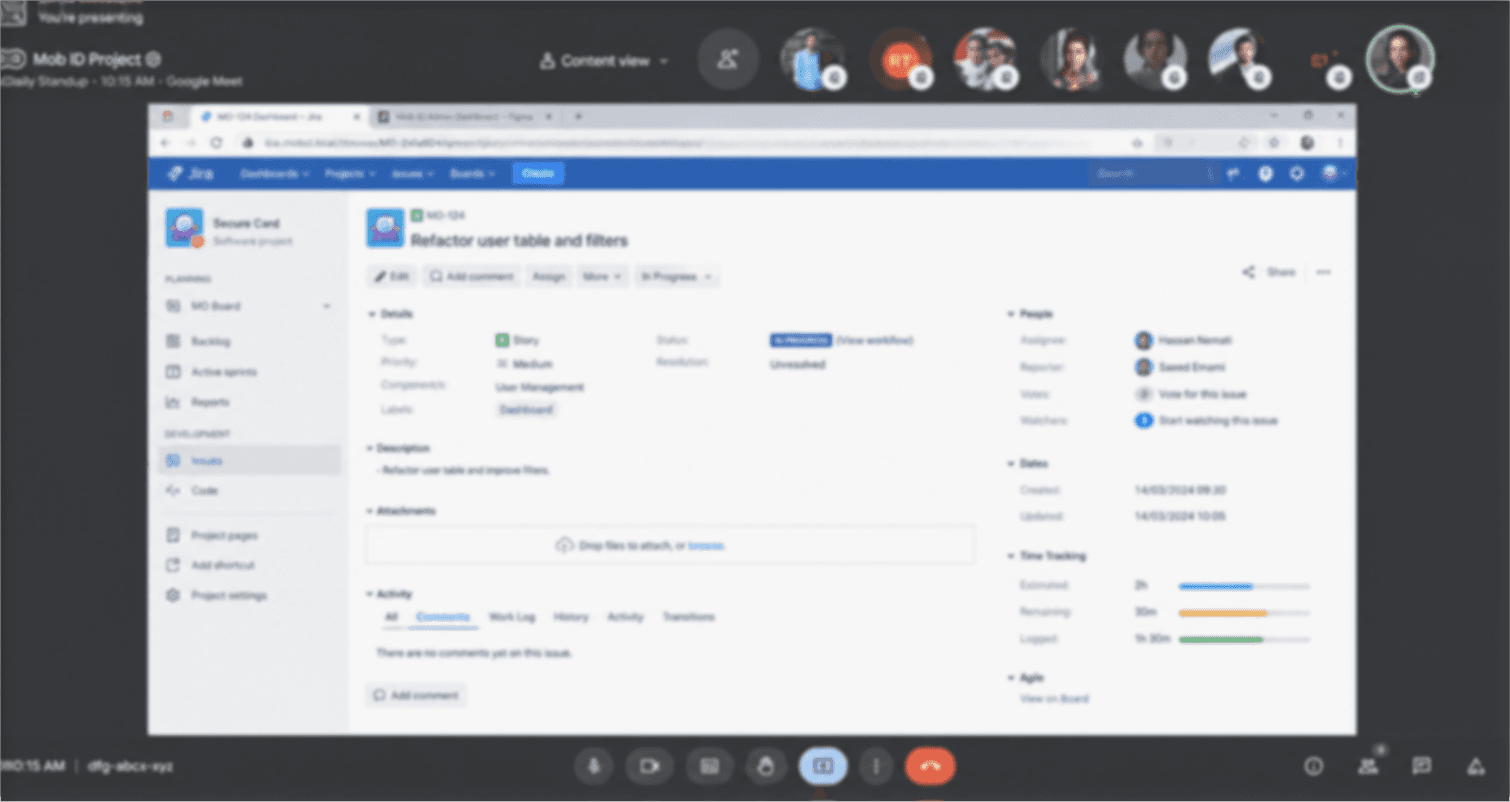
A snapshot from one of our daily standups while reviewing tasks and progress in Jira.
[Design Challenges]
Data-heavy tables
Making dense technical records easier to scan.
Responsive Design
Adapting complex admin screens for desktop, tablet, and mobile.
RTL Interface
Designing a Persian right-to-left dashboard while keeping the layout clean.
Consistency
Creating reusable UI patterns across different dashboard pages.
[Lessons Learned]
Designing for data-heavy systems
I learned how to organize complex technical information without overwhelming the user.
Balancing clarity and technical needs
This project helped me understand how to make admin workflows clearer while respecting system requirements.
Working with developers
We learned that travel content needs strong hierarchy and grouping to avoid overwhelming users.